
Small apps.
Big difference.

Thoughtfully designed apps.
Made for everyday life.

Find your everyday app
Send FAX from iPhone: Ad Free
Business · iPhone

Less paperwork.
More possibility.

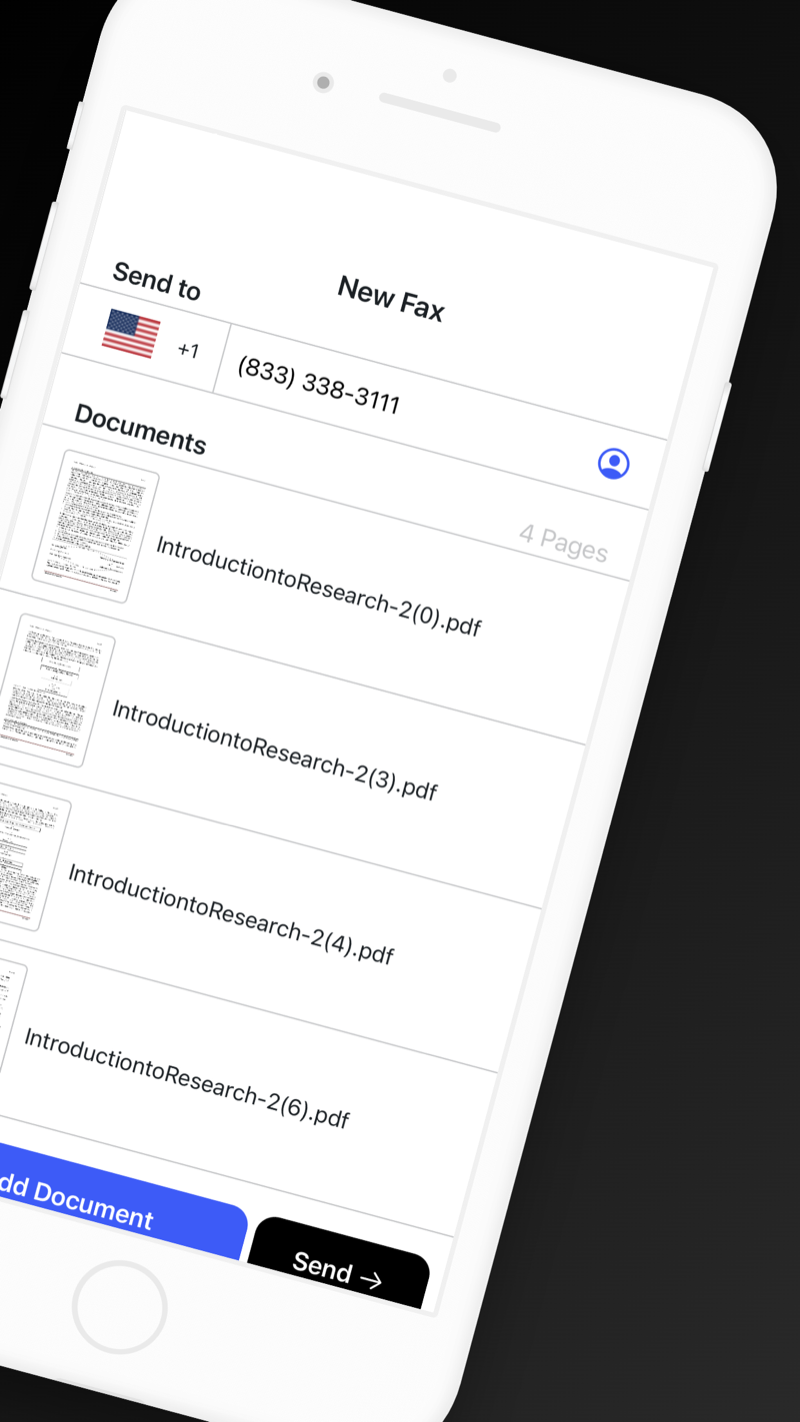
Scan, sign, and fax documents from your iPhone. From an important signature to that last form, keep your day moving.

  • Scan documents or import files
  • Sign and send from your phone
  • Track your fax delivery
Download on theApp Store

No fax machine or phone line required.

Signed.
Sent. Sorted.
Actual FAX from iPhone screen showing document attachments and the Send control
A look inside the app

How it works.

From document to delivery.

  1. Add your document.

    Scan a document with your camera or import a file.

  2. Sign and send.

    Add a signature if needed, enter the fax number, and send.

  3. Follow delivery.

    Check the delivery status and confirmation in the app.
Remote for RokuTV
Utilities · iPhone

Your favorite seat.
Your new remote.

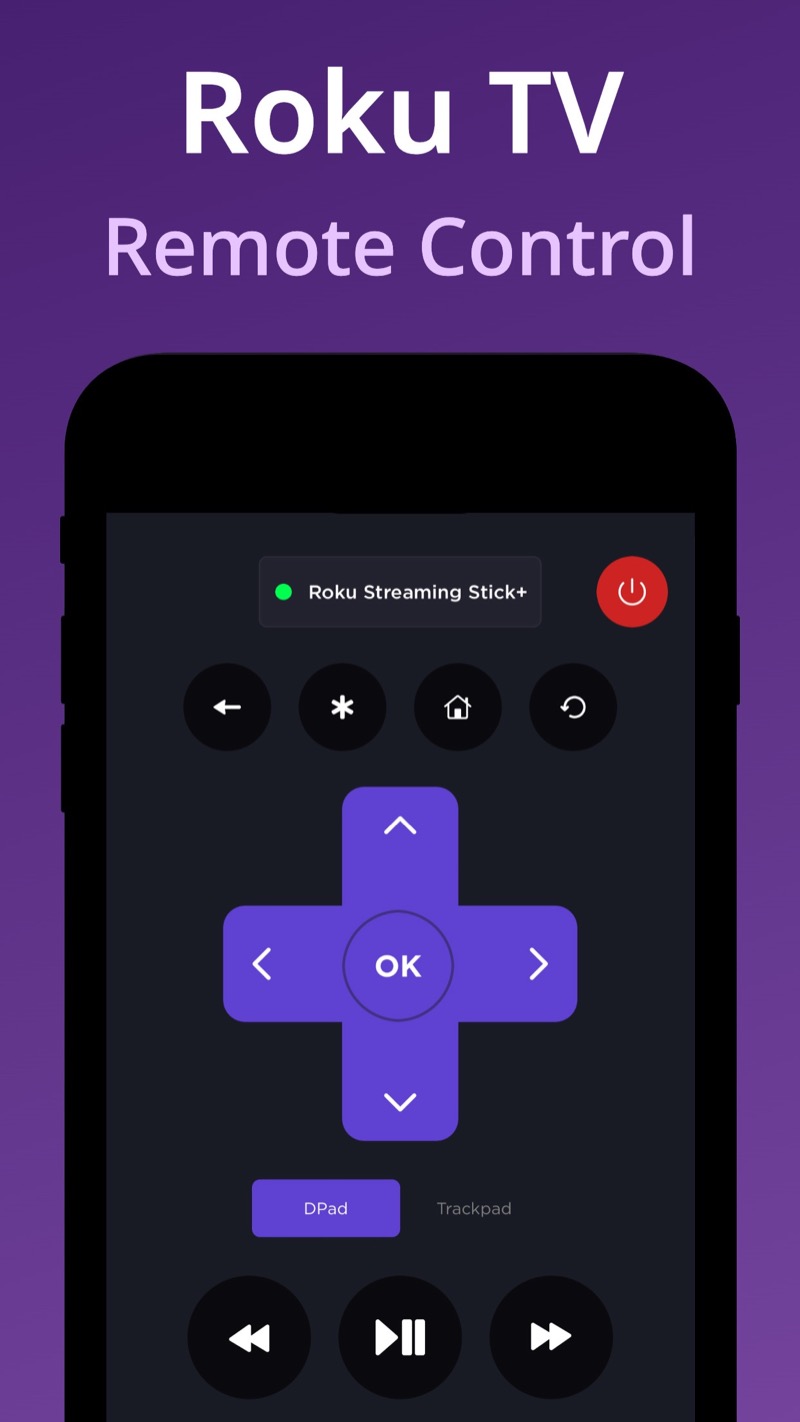
Turn your phone into a remote for your Roku TV or device. Navigate menus and get back to what you wanted to watch.

  • Simple TV navigation
  • Works with Roku TVs and devices
  • Control, right at your fingertips
Download on theApp Store

For compatible Roku TVs and Roku devices.

Your TV.
Your call.
Actual Remote for RokuTV screen showing navigation and playback controls
A look inside the app

How it works.

Your phone. Your TV. Connected.

  1. Open the app.

    Download and open Remote for RokuTV on your iPhone.

  2. Connect your Roku.

    Connect the app to your compatible Roku TV or device.

  3. Take control.

    Navigate TV menus, apps, and settings from your phone.

QR Code Scanner: QR Suite
Productivity · iPhone

QR codes.
Scan or create.

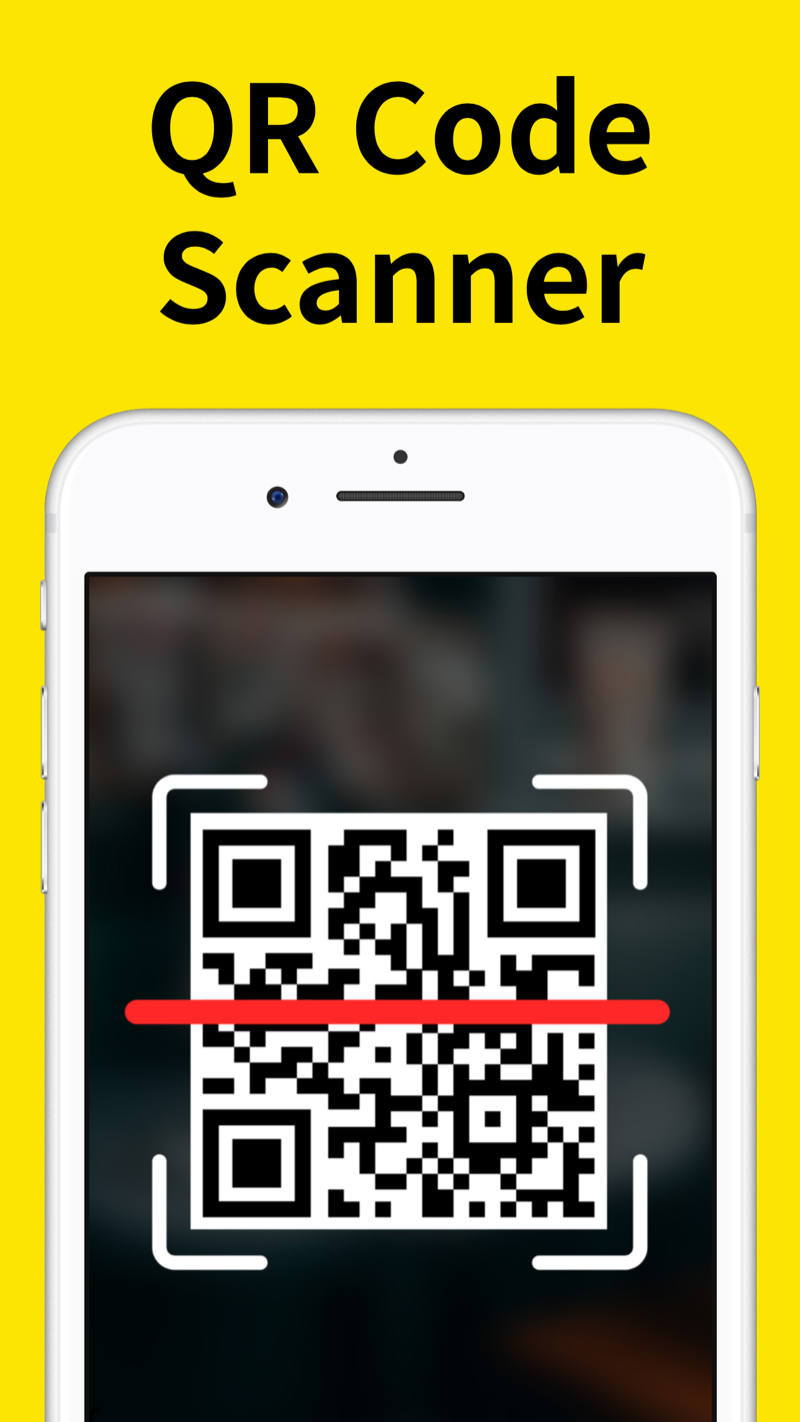
Scan QR codes to open links, add contacts, or connect to Wi-Fi. Create your own QR codes to share, and keep your scan history in one place.

  • Scan and create QR codes
  • Share links, contacts, and more
  • Keep your scan history together
Download on theApp Store

Scan, create, and organize in one place.

Create a code.
Share it.
Actual QR Suite screen scanning a QR code
A look inside the app

How it works.

Scan a code. Or make one.

  1. Scan or create.

    Point your camera at a QR code, or create one for a link, contact, or Wi-Fi connection.

  2. Use or share.

    Open a scanned link, save a contact, or share a code you’ve created.

  3. Find it again.

    Keep your scanned and created codes organized for later.

Made for the things you do every day. Find us on the App Store

What our users say.

FAX from iPhone

“Awesome Thankyou”

S kelenyCanada ·
Remote for RokuTV

“This is an amazing app! It is easy to use!”

BooBoo$2015United States ·
QR Suite

“It does the job well.”

Translated from Portuguese.

queribim starlite okBrazil ·
Remote for RokuTV

“Works great”

Review excerpt.

Arynm307United States ·
QR Suite

“Very good, it’s really great.”

Translated from Portuguese.

anakeuryBrazil ·
Remote for RokuTV

“This makes things so easy!”

Easy rokuUnited States ·
Remote for RokuTV

“This app is the best”

Ozzy the gUnited States ·
QR Suite

“I often need to scan QR codes, but found it confusing. This seems easy to use.”

Translated from Japanese.

進化する百姓Japan ·
Remote for RokuTV

“Highly recommend!”

Review excerpt.

Anonymous57982United States ·
Remote for RokuTV

“Awesome”

Rigo amigoUnited States ·

Life has enough
complications.
Your apps shouldn't.

Meet the collection

We’re Nero Apps. We design and develop mobile apps for the small tasks that make up a big part of your day.

From settling in with your favorite show to sending an important document, our focus is simple: useful tools that feel at home on your phone.

Thoughtfully made.
For everyday life.

A little help
with your apps.

Have a question? Start here,
or get in touch with us.

Contact support
Where can I download your apps?

You can find all three apps on the Apple App Store. Choose an app above to open its listing, or browse our developer page.

How do I manage my subscriptions?

For subscriptions billed through the App Store, open Settings on your iPhone or iPad, tap your name, then Subscriptions. For help with cancellation, visit Apple Support.

Are the apps free?

Check each app’s App Store listing for current pricing, subscriptions, and in-app purchases. Availability and prices may vary by region.

How can I get help with an app?

Email info@neroapps.com with the app name, your device model, and a description of the issue. Please don’t include passwords or payment details.

Do I need to create an account?

No Nero Apps account is required to use our apps.

Do I need a fax machine or phone line?

No. With FAX from iPhone, you can scan or import documents, add a signature if needed, and send a fax from your phone.

How can I check my fax delivery?

Open FAX from iPhone to check the delivery status and confirmation for your fax.

Can I create QR codes as well as scan them?

Yes. QR Suite lets you scan and create QR codes for links, contacts, and Wi-Fi connections, then share the codes you create.

Can I change an app’s permissions?

Yes. You can review and change permissions in your device settings. Features that need a permission may stop working when it is turned off.

Where can I learn how my information is handled?

Our Privacy Policy explains what information may be processed, how it is used, and how to make a privacy request.

Contact us.

Have a question about our apps?
Tell us which app you’re using and how we can help.

Send an emailinfo@neroapps.com

No open roles
right now.

We build our team with the same care we put into our apps.

We’re not hiring at the moment. When a new opportunity opens up, you’ll find it here.

Bookmark this page and check back.